The New Perimeter Problem
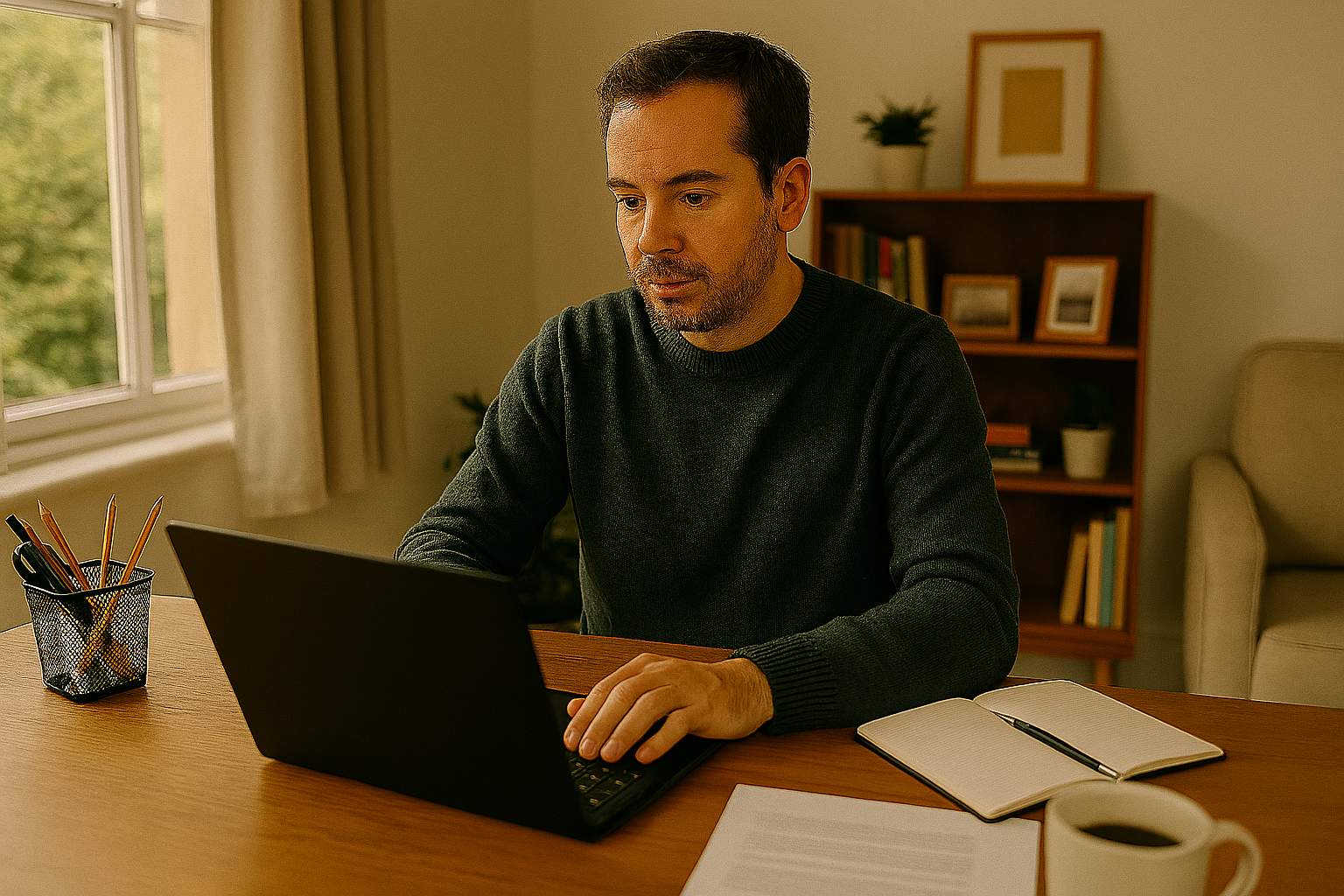
A few years ago, cybersecurity for a small accounting firm was relatively bounded: you had an office, a network, and the data stayed inside the building. The security perimeter was physical. Protecting it was about controlling who could get through the door. That model is gone. The post-pandemic reality is that accounting firm staff work from home, from client offices, from wherever they can get a reliable internet connection. Client portals are cloud-based. Files live in SharePoint or OneDrive. The data moves with the people, and the people are everywhere.
Which means the old security perimeter has essentially dissolved. And many small accounting firms across Elkhart County are still operating on a security model designed for the bounded office, without having meaningfully updated their security infrastructure for the hybrid reality their teams actually live in.
The Real Risks Your Remote Staff Create — Without Meaning To
Your staff members who work from home are not being careless. They’re doing their jobs on whatever technology is available to them. The problem isn’t their behavior — it’s the absence of the infrastructure that makes their behavior safe. Home networks are typically unmanaged. The router is a consumer device that may not have received a firmware update in years. The WiFi password might be shared with every neighbor, delivery person, and guest who has ever visited. The network has no intrusion detection, no traffic monitoring, and no controls over what devices can connect.
Personal devices used for work create another category of risk. Even well-intentioned employees use personal devices for personal activities: browsing, downloading, gaming. Each of those activities is a potential exposure point that can introduce malware or compromised credentials into whatever business systems that device can access. Outdated operating systems on personal devices are the most common technical vulnerability exploited in small business cyberattacks — it’s low-hanging fruit for attackers specifically because it’s so common and so easy to ignore.
What Secure Remote Work Infrastructure Actually Requires
Building a secure remote work environment doesn’t require sending everyone back to the office. It requires putting the right technical controls in place so that wherever your staff is working, the access to your systems is secure, authenticated, and monitored. The foundational layer is identity security: every account that can access your firm’s systems needs multi-factor authentication. This single control prevents the vast majority of credential-based attacks. Microsoft 365’s Conditional Access policies take this further by restricting logins to trusted devices and flagging logins from unusual locations or times.
Mobile Device Management (MDM) allows your firm to enforce security policies on devices that access your systems — whether company-owned or personal. Required encryption, enforced screen lock, remote wipe capability if a device is lost or stolen, and verification that a device’s operating system is current before allowing access to company data. A properly configured SharePoint and OneDrive environment provides secure, authenticated file access from anywhere — without requiring anyone to move files outside the managed environment.
The most important shift in thinking about remote work security is from ‘trust the network’ to ‘trust the identity.’ In an office, if you were physically connected to the network, you were assumed to be legitimate. That assumption doesn’t work when the ‘network’ includes home WiFi in a hundred different houses. We verify the identity and the device every time, regardless of where they’re connecting from. That’s what Zero Trust means in practical terms.
— Graham Pearson, MBA · Ma3SP Technology · Goshen, IndianaThe Employee Education Component
Technology controls are necessary but not sufficient. Your staff also need to understand why the policies exist and what they’re expected to do. What does a phishing email look like and what should they do when they’re not sure? What’s the process for accessing client files when working remotely? What do they do if their personal laptop is stolen? Who do they call if they think something has gone wrong? These are the practical questions that security awareness training should answer — and when it does, your team becomes a genuine line of defense rather than a potential vulnerability. Ma3SP’s approach is comprehensive: we assess your current remote access situation, implement the technical controls that close the gaps, and provide team training that makes those controls effective.