QR codes are just part of doing business now. You scan one to see a menu, pay for parking, connect to Wi-Fi, or open a shared document without a second thought.
Scammers know that too — and they’ve started hiding malicious links inside QR codes specifically to get past the security tools that would normally catch a bad link sitting in an email.
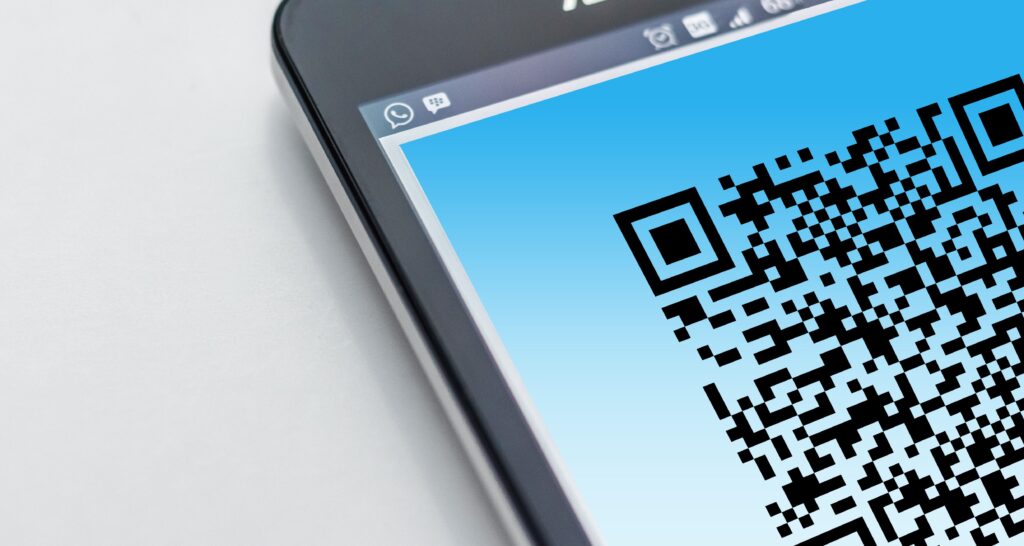
The technique has a name: quishing. It works because a QR code is just an image. Your email filter reads text, so a link encoded into a square graphic sails right through. And when you scan it, you’re usually doing it on your phone — which sits outside most of the protection your work computer has.
Here’s what a QR code scam is, why it slides past your security, what the common ones look like, and the habits that keep your business out of one.
What is a QR code scam?
A QR code scam is a phishing attack that swaps a written link for a QR code. Instead of a clickable URL your email security can inspect, the attacker encodes the web address into an image.
You scan it with your phone camera, your phone opens the link, and you land on a page built to steal your login or your payment details. The page on the other end looks like any other phishing page — a login screen dressed up like Microsoft 365, or a payment form copying your bank’s design. The QR code is just the delivery method that gets you there.
Why QR code scams slip past your security
Two things make these effective.
First, the malicious link is hidden inside an image. Most email security tools scan the text of a message for known bad links. A QR code is a picture — the link inside it isn’t text the filter can read. The UK’s National Cyber Security Centre points out that not all phishing-detection tools scan images, which is exactly why criminals started leaning on QR codes to disguise their links in the first place.
Second, scanning a code moves you onto your phone. Your work computer likely has web filtering, endpoint protection, and DNS controls blocking known bad sites. Your personal phone usually has none of that. The moment you scan, you’ve stepped outside the protection your business pays for — often without even realizing it happened.
How common is this, really?
The volume is climbing fast. In its report on email threats for Q1 2026, Microsoft said it detected around 8.3 billion email-based phishing threats in those three months alone. QR code phishing rose 146% across the quarter — from 7.6 million attacks in January to 18.7 million in March, its highest monthly volume in at least a year.
Microsoft also found that most of these attacks arrived as PDF attachments, growing from 65% of QR code attacks in January to 70% by March. The code sits inside the PDF, the PDF sits in an ordinary-looking email, and the whole thing reads as routine paperwork right up until someone scans it.
What QR code scams actually look like
These are the versions we see come up most:
- A “security” email. A message that looks like it’s from Microsoft or your IT team, telling you to scan a code to re-enroll your multi-factor authentication or keep your account active. The code leads to a fake login page.
- A shared document. An email claims a colleague or client shared a file, and you need to scan a code to view it. It asks you to sign in first.
- A fake invoice. A PDF invoice includes a QR code “to pay faster.” The code routes your payment straight to the attacker.
- A delivery notice. A text or email about a missed package asks you to scan a code to reschedule. The US Federal Trade Commission has warned about this exact one.
- A sticker in the real world. Attackers print QR code stickers and slap them over legitimate ones on parking meters, posters, and payment terminals. You think you’re paying for parking; you’re handing your card details to a stranger.
How to protect your business
A handful of habits do most of the work:
- Be suspicious of QR codes in emails. A code that arrives by email — especially one asking you to log in or pay — deserves the same caution as a strange link. The NCSC’s advice is to be wary of codes inside emails, even though the one at your favorite restaurant is almost always fine.
- Check the web address before you act. When you scan a code, your phone shows the link before it opens. Actually read it. If it’s not the official site you expected, close it.
- Go direct instead of scanning. If an email says your Microsoft account needs attention, open your browser and type the address yourself, or use a bookmark. Don’t let the code decide where you land.
- Watch for urgency. Messages threatening account closure or a fine “within 24 hours” are trying to rush you past your own good judgment. That pressure is itself the warning sign.
- Use phishing-resistant MFA. If a scam does capture a password, phishing-resistant multi-factor authentication — a passkey, a hardware key, or number-matching in an authenticator app — makes that stolen password a lot harder to actually use.
- Check physical codes for tampering. Before scanning a code on a parking meter or payment terminal, glance for a sticker placed over the original.
- Tell your team. Most people have never been warned about this one specifically. A short heads-up with a real example goes a long way.
If someone already scanned one
If you or someone on your team scanned a QR code and entered details on the page that opened:
- Change the password for that account right away, plus any other account using the same password.
- Confirm multi-factor authentication is turned on for the account.
- Tell whoever manages your IT, so they can check for unusual sign-ins.
- If card or banking details were entered, call the bank and watch the account closely.
Acting fast limits what an attacker can actually do with what they captured.
Frequently Asked Questions
Are QR codes safe to use?
Most of them, yes. A code on a restaurant table or an official payment terminal is normally fine. The risk comes from codes sent in unexpected emails or texts, and from stickers slapped over real codes in public. Treat those with caution.
What is quishing?
Quishing is phishing that uses a QR code instead of a written link — combining “QR” and “phishing.” The goal’s the same as any phishing attack: get you onto a fake page that captures your login or payment info.
Can antivirus or email filters stop QR code scams?
Not always. Many email security tools scan the text of a message for bad links, and a QR code hides its link inside an image, so it can slip through. Some products now scan images for codes, but don’t assume the scam will get caught before it reaches you.
Why is a QR code in an email more dangerous than a regular link?
A written link can be inspected by your email security and opened on a managed work computer. A QR code hides the link from those tools and pushes you toward scanning with your phone, which usually has far less protection than your work device.
What should I do if I scanned a scam QR code but didn’t enter anything?
If you closed the page without typing anything, the risk is low. Close it, don’t go back, and let your IT contact know so they can keep an eye out. If you did enter a password or payment details, follow the recovery steps above.
Graham’s Take
The QR code ones catch people off guard because we’ve all been trained to trust them — scan the menu, scan the parking meter, done. That trust is exactly what makes this one work so well. Worth a two-minute conversation with your team before it’s a problem.